Selenium with Python Interview Questions and Answers

Introduction
Preparing for Selenium with Python Interview Questions helps candidates build confidence for automation testing interviews. Python makes Selenium scripts simple, readable, and practical.
Moreover, companies expect candidates to understand Selenium concepts and basic Python automation. For students and job seekers in Chennai, practical interview preparation can improve technical confidence and career readiness.
This guide covers common Selenium questions, Python scripts, locators, waits, WebDriver, alerts, frames, and testing concepts.
Table of Contents
- What Are Selenium with Python Interview Questions?
- Why Are Selenium with Python Interview Questions Important?
- Common Selenium with Python Interview Questions
- Basic Selenium with Python Interview Questions
- Advanced Selenium with Python Interview Questions
- Selenium WebDriver Questions and Answers
- Selenium Locator Questions
- Selenium Wait Questions
- Career Opportunities in Selenium Automation
- Self-Learning vs. Hands-on Training
- Frequently Asked Questions About Selenium with Python Interview Questions
- Conclusion
What Are Selenium with Python Interview Questions?
Selenium with Python interview questions test your knowledge of browser automation using Python.
Furthermore, interviewers check whether you understand WebDriver, locators, waits, browser commands, and test automation practices. They may also ask you to write short Python Selenium programs.
Basic Selenium with Python Interview Questions
Basic questions usually test your understanding of Selenium and Python automation.
1. What is Selenium?
Selenium is an open-source framework used to automate web browsers.
Moreover, Selenium supports browsers such as Chrome, Firefox, Edge, and Safari. It also supports programming languages including Python, Java, C#, and JavaScript.
2. Why is Python used with Selenium?
Python is widely used with Selenium because its syntax is simple and readable.
In addition, Python provides useful testing frameworks and libraries. Therefore, beginners can create automation scripts without complex syntax.
3. How do you install Selenium in Python?
You can install Selenium through PIP using a simple command.
pip install seleniumAfter installation, you can verify the package with:
pip show seleniumTherefore, the Selenium package becomes available to your Python environment.
4. How do you open Chrome using Selenium?
You can launch Chrome through Selenium WebDriver.
from selenium import webdriver

driver = webdriver.Chrome()
driver.get("https://www.google.com")
The webdriver.Chrome() method starts a Chrome browser session. As a result, your Python script can control browser actions.
Why Are Selenium with Python Interview Questions Important?
These questions help interviewers measure your practical understanding of automation testing.
Moreover, preparing them helps candidates explain technical concepts clearly during interviews. Practical knowledge is especially useful when interviewers ask scenario-based questions.
5. What is WebDriver?
WebDriver is Selenium’s browser automation interface.
For example, WebDriver allows your Python script to open pages, click buttons, enter text, and retrieve webpage information. Therefore, it forms the core of Selenium browser automation.
6. What are Selenium locators?
Locators help Selenium identify elements on a webpage.
Common locators include:
- ID
- Name
- Class Name
- Tag Name
- Link Text
- Partial Link Text
- CSS Selector
- XPath
For example:
driver.find_element("id", "username")This command searches for an element with the specified ID.
7. What is XPath?
XPath is an expression used to locate elements within an HTML document.
For example:
driver.find_element("xpath", "//input[@id='username']")XPath is useful when simple locators cannot identify an element. However, stable and unique attributes should be preferred whenever possible.
Common Selenium with Python Interview Questions
Common questions cover browser controls, elements, waits, alerts, windows, and test execution.
Advanced Selenium with Python Interview Questions
Advanced questions focus on solving practical automation problems.
8. What is the difference between find_element and find_elements?
find_element() returns the first matching element.
On the other hand, find_elements() returns a list of matching elements. Therefore, find_elements() is useful when multiple elements share the same locator.
Example:
links = driver.find_elements("tag name", "a")9. What is an implicit wait?
An implicit wait tells Selenium to wait for elements before raising an exception.
For example:
driver.implicitly_wait(10)This setting applies to element searches during the WebDriver session.
10. What is an explicit wait?
An explicit wait waits for a specific condition before continuing.
For example:
from selenium.webdriver.common.by import By
from selenium.webdriver.support.ui import WebDriverWait
from selenium.webdriver.support import expected_conditions as EC

element = WebDriverWait(driver, 10).until(
    EC.visibility_of_element_located((By.ID, "username"))
)
Furthermore, explicit waits provide better control when webpages contain dynamic elements.
11. How do you handle alerts in Selenium?
Selenium uses the alert interface to interact with browser alerts.
For example:
alert = driver.switch_to.alert
alert.accept()
You can dismiss an alert using:
alert.dismiss()Therefore, you can automate common JavaScript alert actions.
Selenium WebDriver Questions and Answers
WebDriver questions test how well you can control browsers through Python.
Selenium Locator Questions
Locator questions focus on finding and interacting with webpage elements.
For example, CSS Selector can locate an element using:
driver.find_element("css selector", "#username")Similarly, XPath can identify elements based on attributes or page structure.
Selenium Wait Questions
Wait questions test your understanding of synchronization in automation.
For instance, explicit waits can wait for an element to become clickable:
element = WebDriverWait(driver, 10).until(
    EC.element_to_be_clickable((By.ID, "login"))
)
As a result, tests can become more stable on dynamic websites.
12. How do you handle dropdowns?
The Select class can handle standard HTML dropdowns.
from selenium.webdriver.support.ui import Select

dropdown = Select(driver.find_element("id", "course"))
dropdown.select_by_visible_text("Python")
You can also select options by value or index. Therefore, dropdown automation becomes straightforward.
13. How do you handle browser alerts?
You can switch to the alert and accept it.
alert = driver.switch_to.alert
alert.accept()
Similarly, dismiss() closes an alert without accepting it.
14. How do you switch between browser windows?
Selenium provides window handles for managing multiple browser windows.
windows = driver.window_handles
driver.switch_to.window(windows[1])
Therefore, you can move between parent and child browser windows during testing.
15. How do you take a screenshot?
Selenium can capture a screenshot with save_screenshot().
driver.save_screenshot("test-result.png")Moreover, screenshots can help testers investigate failed automation steps.
Selenium with Python Interview Questions for Freshers
Freshers should focus on core concepts before studying advanced automation frameworks.
For example, understand Python basics, WebDriver, locators, waits, browser commands, alerts, and exceptions. Furthermore, practice small automation scripts before attempting complete projects.
A candidate pursuing Python Training in Chennai can combine programming fundamentals with Selenium automation. Similarly, Selenium Training in Chennai can provide focused practice for web application testing.
Career Opportunities in Selenium Automation
Selenium skills can support several software testing and automation roles.
Moreover, candidates can explore roles such as:
- Automation Tester
- QA Engineer
- Selenium Tester
- Python Automation Tester
- Software Test Engineer
- QA Automation Engineer
Learning Python alongside Selenium can provide broader career options. Therefore, candidates should also consider SQL, API testing, Git, and CI/CD concepts.
16. What is Page Object Model?
Page Object Model is a design pattern that separates webpage actions from test cases.
For example, login elements can stay inside a dedicated login page class. As a result, maintenance becomes easier when webpage elements change.
17. What is PyTest?
PyTest is a Python testing framework used to create and execute automated tests.
Furthermore, PyTest supports fixtures, assertions, parameterization, and test discovery. These features make it useful for organizing Selenium automation projects.
18. What is exception handling in Selenium?
Exception handling helps automation scripts respond to unexpected errors.
For example:
try:
    driver.find_element("id", "login").click()
except Exception as error:
    print(error)
However, testers should identify the actual cause instead of hiding every error with a broad exception.
Self-Learning vs. Hands-on Training at Infycle Technologies
Both approaches can help you learn Selenium, but hands-on training provides structured practice and direct guidance.
| Learning Area | Self-Learning | Hands-on Training at Infycle Technologies |
|---|---|---|
| Python basics | Self-paced | Trainer guided |
| Selenium concepts | Tutorials | Practical sessions |
| Error handling | Independent research | Guided troubleshooting |
| Automation projects | Self-managed | Structured practice |
| Interview preparation | Limited | Practice focused |
| Doubt clarification | Delayed | Direct support |
Self-learning can work well for disciplined learners. However, guided practice can make complex automation concepts easier to understand.
Mid-Article CTA
Want to practice Selenium with Python Interview Questions with practical examples? Infycle Technologies offers structured automation training in Chennai with hands-on exercises and trainer guidance.
Furthermore, learners can strengthen Python, Selenium, testing concepts, and interview skills through practical projects.
Frequently Asked Questions About Selenium with Python Interview Questions
What are Selenium with Python Interview Questions?
They are technical questions that test your knowledge of Selenium automation using Python.
Is Selenium with Python suitable for freshers?
Yes, beginners can learn Selenium after building a basic understanding of Python programming.
Which Selenium topics should I prepare for interviews?
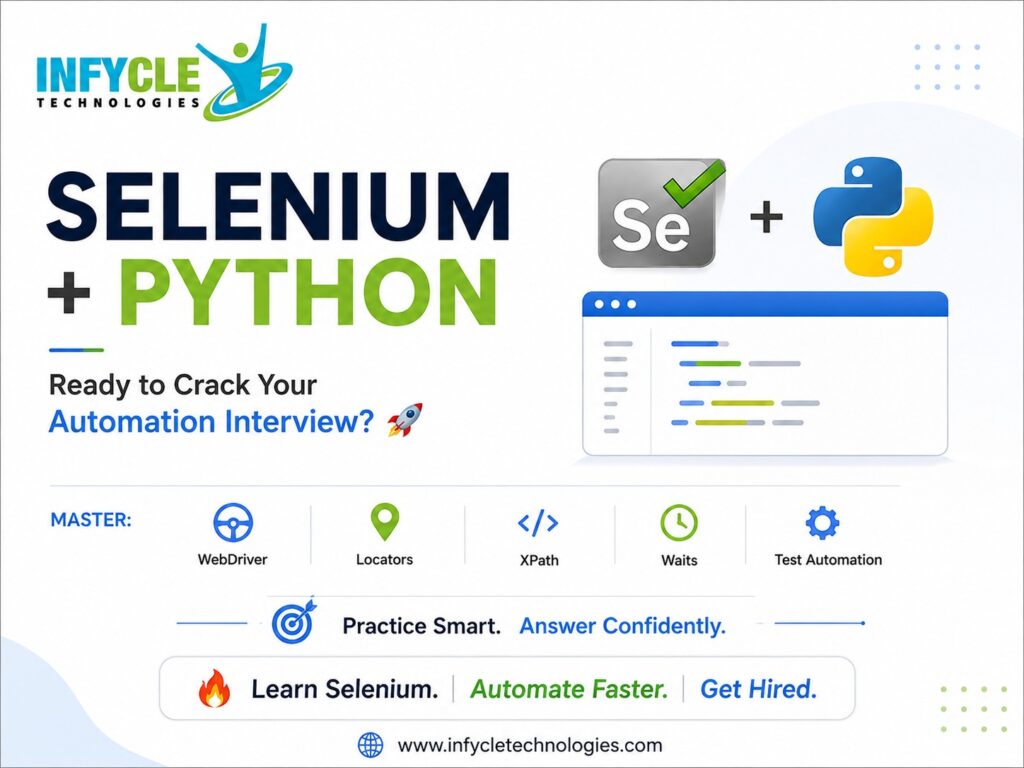
Focus on WebDriver, locators, XPath, waits, alerts, frames, windows, dropdowns, Page Object Model, PyTest, and exception handling.
How can I improve my Selenium interview preparation?
Practice common questions and write small Selenium scripts regularly. In addition, build at least one practical automation project to demonstrate your skills.
Conclusion
Selenium automation requires programming knowledge, testing concepts, and consistent practice. Therefore, learners should combine Python fundamentals with practical browser automation exercises.
Furthermore, WebDriver, locators, waits, PyTest, the Page Object Model, and exception handling are important skills for automation testing. Python Training in Chennai can provide a structured learning path for students and job seekers.
When selecting the best software training institute in Chennai, consider practical sessions, trainer experience, projects, doubt support, and career guidance.
Final CTA
Ready to build your automation testing skills?
Connect with Infycle Technologies Chennai for free career counselling and a live demo. Get guidance on Python and Selenium training and choose a learning path that matches your career goals.