What Are HTML Tables and How Do They Work?
Introduction
HTML Tables help developers organize information into clear rows and columns on a webpage. For students learning web development, HTML Tables are one of the basic skills needed to create structured web pages.
Moreover, tables are useful for displaying schedules, product details, reports, pricing information, and comparison data. Therefore, understanding table structure gives beginners a practical foundation for front-end development.
Students and fresh graduates in Chennai can learn these concepts through regular coding practice. Furthermore, HTML table skills become more useful when combined with CSS, JavaScript, and backend technologies.
Table of Contents
- What is HTML Tables?
- Why Choose HTML Tables in Chennai?
- Key Modules Covered in HTML Tables
- Practical Tools You Master in HTML Tables Training
- Self-Learning vs. Hands-on Training
- Career Opportunities After Completing HTML Tables
- Frequently Asked Questions About HTML Tables
- Conclusion
What is HTML Tables?
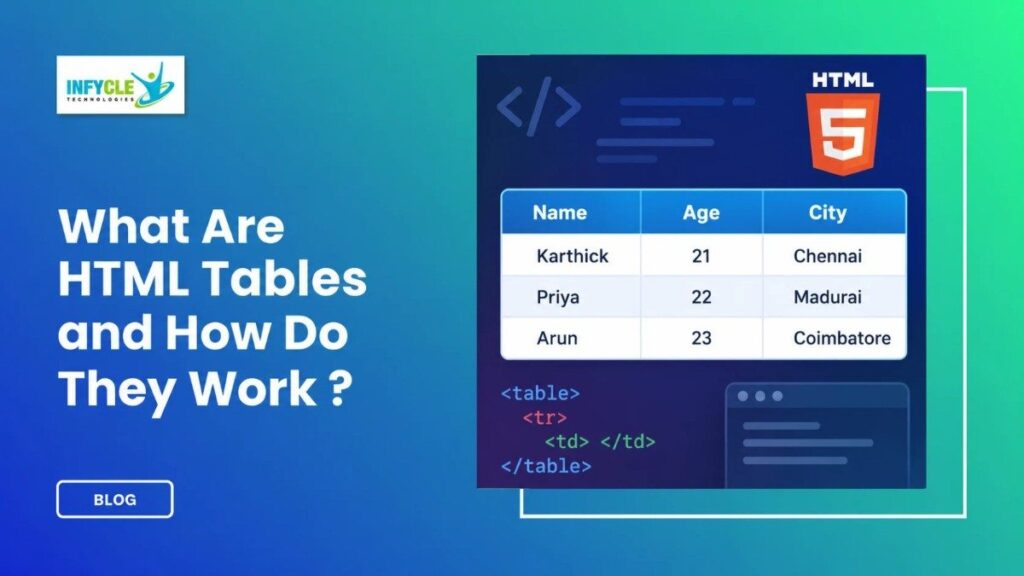
HTML Tables are structures that display related information using rows and columns. They use the <table> element as the main container.
For example, a student list can contain names, course details, and scores. Each piece of information can appear inside a separate table cell.
A basic HTML table uses several important elements:
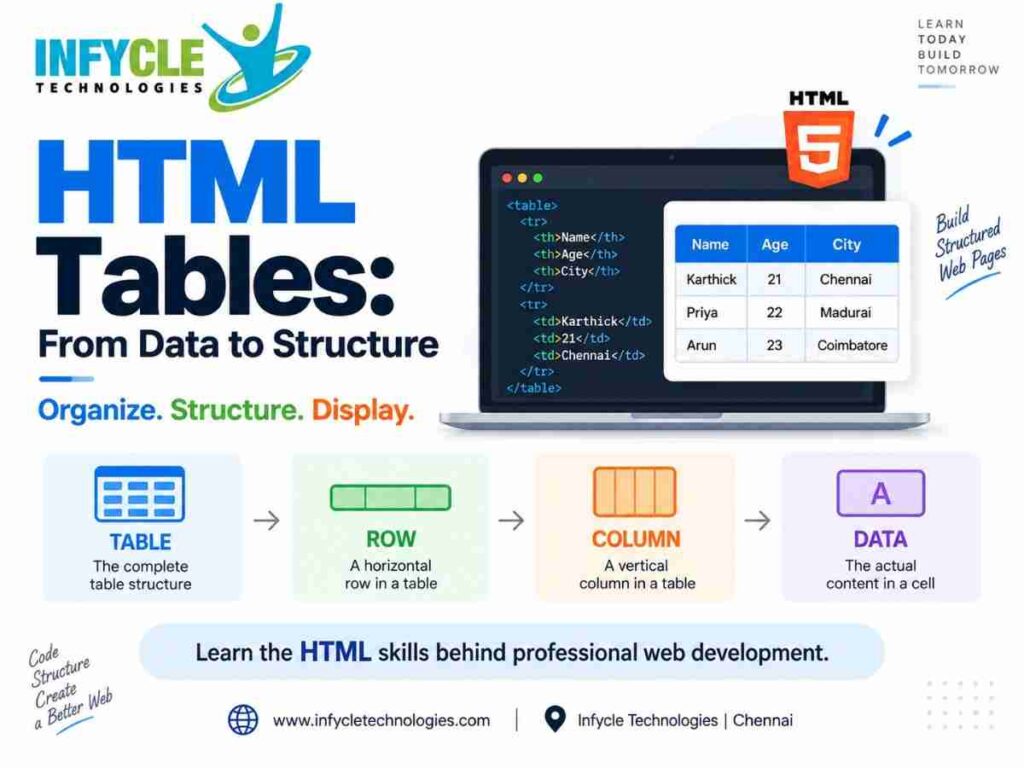
<table>– Creates the table.<tr>– Creates a table row.<th>– Creates a heading cell.<td>– Creates a standard data cell.<caption>– Adds a title to the table.<thead>– Groups the header section.<tbody>– Groups the main data.<tfoot>– Groups footer information.
Therefore, these elements work together to create an organized table structure.
How Do HTML Tables Work?
HTML Tables work by placing cells inside rows, with each row positioned inside the table container. The browser reads this structure and displays the information in a grid.
For instance, a simple student table may contain three columns: Name, Course, and Score. Each student can then occupy one separate row.
<table>
  <tr>
    <th>Name</th>
    <th>Course</th>
    <th>Score</th>
  </tr>

  <tr>
    <td>Arun</td>
    <td>Python</td>
    <td>85</td>
  </tr>
</table>
In this example, <tr> creates each row. Meanwhile, <th> creates headings and <td> stores the actual values.
What Are Rows and Columns in HTML?
Rows run horizontally across a table, while columns run vertically. Therefore, developers use rows to group related records and columns to describe their properties.
For example, a course table might contain Course Name, Duration, Mode, and Fee as columns. Each course then appears as a separate row.
Why Choose HTML Tables in Chennai?
HTML Tables provide an easy way to learn structured HTML before moving into advanced web development. Moreover, students in Chennai can use this knowledge while building websites, dashboards, and business applications.
Learning HTML alone is only one step toward becoming a full-stack developer. However, HTML provides the foundation for understanding how web pages are structured.
A Full Stack Developer course in Chennai can connect these basics with CSS, JavaScript, databases, APIs, and server-side programming.
Furthermore, practical training can help learners understand where tables fit into real websites. Students can practice by building course lists, employee records, order pages, and reports.
Why Are HTML Tables Important for Beginners?
HTML Tables teach learners how structured information appears on a webpage. In addition, they introduce important concepts such as semantic HTML and organized content.
However, tables should not replace modern page-layout methods. CSS Grid and Flexbox are generally better choices for arranging page sections and application layouts.
Therefore, beginners should learn tables mainly for displaying tabular information.
Key Modules Covered in HTML Tables
HTML Tables training can cover table creation, formatting, accessibility, and practical implementation. Therefore, learners can build confidence through progressively harder examples.
Basic Table Structure
Students first learn how to create tables using <table>, <tr>, <th>, and <td>. For example, they can create a simple employee information table.
Moreover, learners can practice adding multiple rows and columns. This makes the basic structure easier to understand.
Table Headings and Captions
The <th> element identifies heading cells. Meanwhile, <caption> provides a clear description of the table.
For example, a table displaying course fees could use “Course Fee Details” as its caption. Consequently, users can understand the table’s purpose more quickly.
Combining Table Cells
HTML supports rowspan and colspan for combining cells. These attributes become useful when a table contains grouped information.
For instance, colspan="2" can make one cell span across two columns. Similarly, rowspan="2" can make a cell cover two rows.
Styling Tables with CSS
HTML creates the structure, while CSS controls the visual presentation. Therefore, learners should understand both technologies when building professional web pages.
CSS can change borders, spacing, alignment, fonts, backgrounds, and table dimensions. In addition, developers can create responsive table designs for smaller screens.
Semantic Table Structure
The <thead>, <tbody>, and <tfoot> elements help organize larger tables. Moreover, they make the structure easier for developers and assistive technologies to understand.
For example, a sales report can use <thead> for column headings and <tbody> for transaction records. Consequently, the markup becomes clearer and easier to maintain.
Practical Tools You Master in HTML Tables Training
HTML Tables training becomes more effective when learners practice inside real development tools. Furthermore, these tools help students test and improve their code.
Visual Studio Code:
Learners can write HTML and CSS using a lightweight code editor.
Google Chrome:
The browser helps students preview webpages and inspect their structure.
Chrome DevTools:
Developers can inspect table elements, test CSS, and identify layout issues.
HTML Validator:
Validation tools can help identify structural errors in HTML markup.
Git:
Git helps learners track changes while working on web development projects.
In addition, these tools are commonly useful across larger front-end and full-stack projects.
Self-Learning vs. Hands-on Training
Both learning methods can help students understand HTML, but practical training adds guided coding practice.
| Area | Self-Learning | Hands-on Training at Infycle Technologies |
|---|---|---|
| Learning style | Independent | Instructor-guided |
| Practice | Depends on learner | Regular practical exercises |
| Doubt clearing | Online resources | Direct trainer support |
| Projects | Self-selected | Structured project practice |
| Feedback | Limited | Trainer feedback |
| Learning path | Self-managed | Guided curriculum |
| Career preparation | Requires separate planning | Includes practical career support |
Therefore, learners should choose an approach that matches their study habits and career goals.
If you want to move beyond basic HTML, practical full-stack training can help you connect front-end concepts with real projects.
Explore Full Stack Developer training in Chennai at Infycle Technologies and build skills across HTML, CSS, JavaScript, databases, and application development.
You can also compare the curriculum, practical sessions, and career support before choosing a learning path.
Career Opportunities After Completing HTML Tables
HTML Tables alone do not define a complete career path, but they form part of the front-end development foundation. Furthermore, learners can combine HTML with CSS, JavaScript, frameworks, databases, and backend technologies.
Possible career paths include:
- Front-End Developer
- Full Stack Developer
- Web Developer
- UI Developer
- Junior Software Developer
- Web Application Developer
For instance, a learner who starts with HTML can progress into CSS and JavaScript. Later, they can explore frameworks, APIs, databases, and server-side programming.
Moreover, practical projects can demonstrate these skills to potential employers.
Students searching for the best software training institute in Chennai should therefore look beyond individual technologies. They should also examine practical learning, project exposure, trainer support, and career preparation.
Frequently Asked Questions About HTML Tables
What Are HTML Tables Used For?
HTML Tables are used to display related data in rows and columns. For example, developers can use them for schedules, reports, product information, and comparison data.
What Is the Difference Between <th> and <td>?
<th> creates a heading cell, while <td> creates a standard data cell. Therefore, <th> usually identifies what a column or row represents.
Can HTML Tables Be Styled With CSS?
Yes. CSS can control borders, spacing, alignment, fonts, dimensions, and other visual properties. Moreover, CSS can help make tables easier to read on different screen sizes.
Are HTML Tables Used for Website Layouts?
Modern websites generally use CSS Grid or Flexbox for page layouts. However, HTML Tables remain appropriate when the content itself represents tabular data.
Conclusion
HTML tables are an important HTML concept for displaying structured information clearly. Learners should understand table elements, rows, columns, headings, captions, cell spanning, and CSS styling.
Furthermore, combining these fundamentals with JavaScript, databases, APIs, and backend technologies creates a stronger web development foundation. A structured Full Stack Developer course in Chennai can help learners progress from basic HTML concepts toward practical application development.
Ready to build practical web development skills?
Visit Infycle Technologies in Chennai for career counseling and a live demo. Explore the available full-stack curriculum, practical training approach, and learning support before starting your next step in IT.