AWS Tutorial for Beginners
Introduction
An AWS Tutorial helps beginners understand cloud computing, AWS services, and basic deployment concepts. Therefore, it is a useful starting point for students and fresh graduates exploring cloud careers.
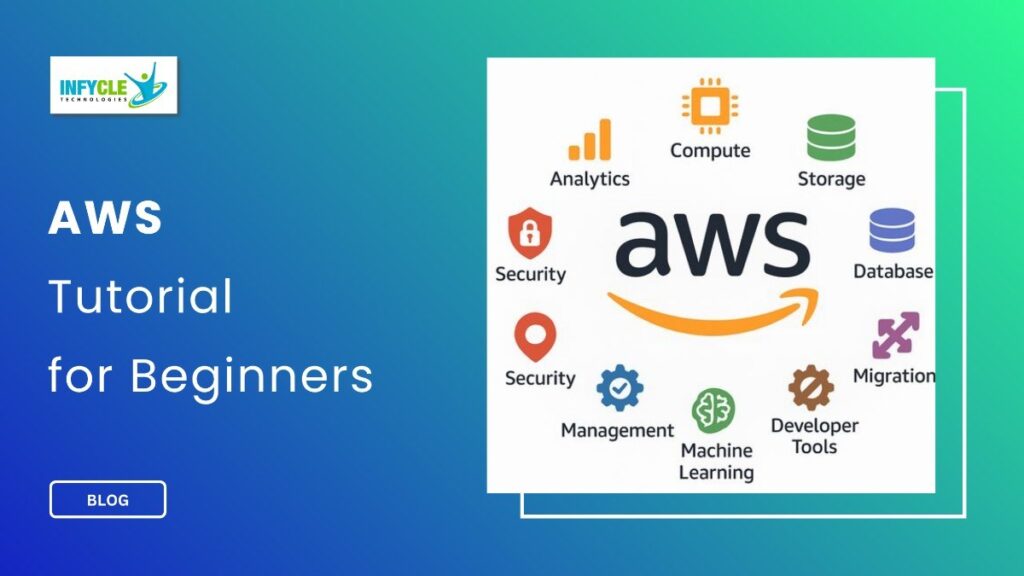
Amazon Web Services provides services for computing, storage, databases, networking, security, and application deployment. Moreover, beginners can learn these services step by step through practical exercises.
For students and job seekers in Chennai, AWS skills can support careers in cloud computing and DevOps. Furthermore, learning through projects can make technical concepts easier to understand.
This guide covers AWS basics, important services, practical tools, career options, and beginner learning tips.
Table of Contents
- What is AWS Tutorial?
- Why Choose a AWS Tutorial in Chennai?
- Key Modules Covered in a AWS Tutorial
- Practical Tools You Master in AWS Tutorial Training
- Career Opportunities After Completing a AWS Tutorial
- Self-Learning vs. Hands-on Training at Infycle Technologies
- Frequently Asked Questions About AWS Tutorial
- Conclusion
- Final CTA
What is AWS Tutorial?
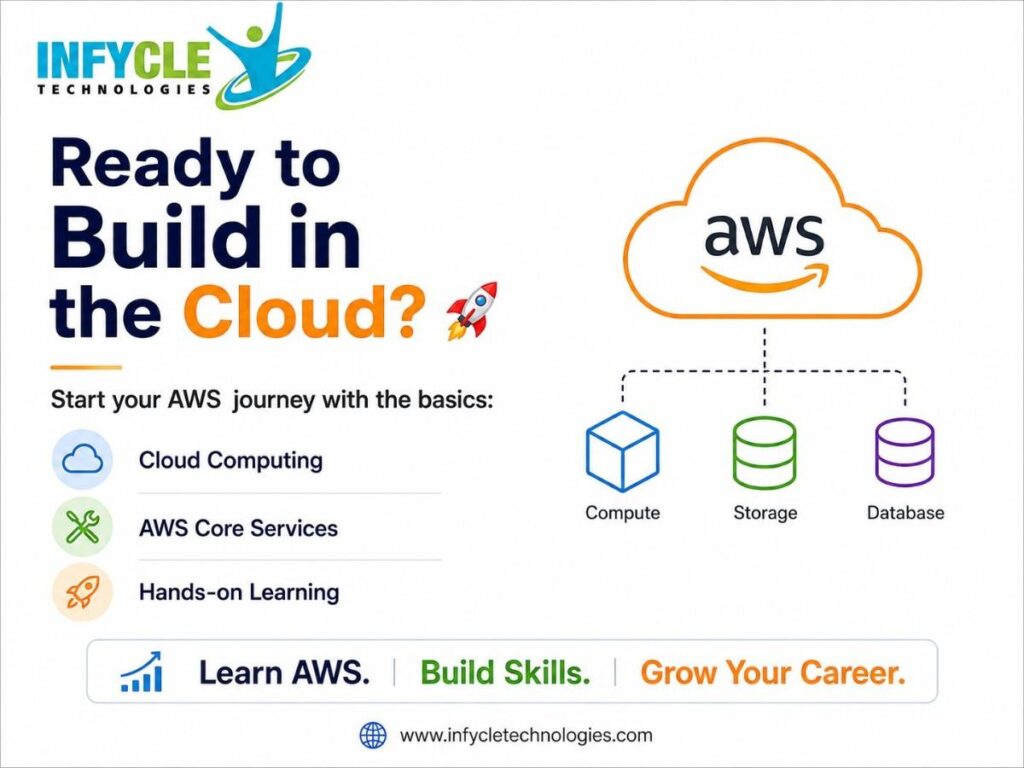
An AWS Tutorial is a beginner-friendly introduction to Amazon Web Services and its core cloud computing services.
In simple terms, AWS lets businesses use computing resources through the internet. Therefore, companies can avoid managing every part of their physical infrastructure.
AWS includes services for servers, storage, databases, networking, security, monitoring, and application deployment. For example, Amazon EC2 provides virtual computing capacity, while Amazon S3 provides object storage.
Furthermore, AWS offers many managed services that reduce infrastructure management work. This allows teams to focus more on applications and business requirements.
AWS Tutorial and Cloud Computing Basics
Cloud computing provides on-demand access to computing resources over the internet.
For instance, a company can create a virtual server without purchasing a physical machine. As a result, teams can scale resources based on their workload.
Beginners should understand regions, availability zones, virtual machines, storage, networking, and basic cloud security. These concepts provide the foundation for learning AWS services.
AWS Tutorial and Amazon EC2
Amazon EC2 provides scalable computing capacity in the AWS cloud.
Therefore, users can launch virtual servers and choose configurations based on application requirements. Beginners can practice launching an instance, connecting to it, and managing basic server settings.
AWS Tutorial and Amazon S3
Amazon S3 provides object storage for files, images, backups, and application data.
Moreover, S3 stores objects inside buckets. Learners can practice creating buckets, uploading files, and understanding basic access controls.
Why Choose a AWS Tutorial in Chennai?
AWS learning can help Chennai students develop cloud skills that complement software and programming knowledge.
However, reading about cloud services alone may not provide enough practical understanding. For example, creating an EC2 instance gives learners direct experience with cloud computing.
Students from engineering, science, commerce, and arts backgrounds can start with fundamental cloud concepts. Furthermore, fresh graduates can gradually connect AWS with Linux, networking, scripting, and DevOps.
A structured AWS Tutorial can help learners study services in a logical sequence. Therefore, beginners can avoid trying to learn too many AWS services at once.
Practical projects can also improve confidence. For instance, learners can deploy a simple website and connect it with storage and security services.
Key Modules Covered in a AWS Tutorial
A beginner AWS learning path should cover computing, storage, databases, networking, security, and monitoring.
AWS Tutorial on Compute Services
AWS compute services provide resources for running applications and workloads.
For example, learners can explore Amazon EC2 and AWS Lambda. EC2 provides virtual servers, while Lambda supports serverless application execution.
Therefore, beginners should understand when different compute approaches are useful.
AWS Tutorial on Storage Services
AWS provides storage services for different types of data.
Amazon S3 is commonly used for object storage. In addition, AWS provides services for block and file storage requirements.
Learners should understand storage types and their common use cases. Consequently, they can make better decisions when designing basic cloud solutions.
AWS Tutorial on Database Services
AWS provides managed database services for relational and non-relational workloads.
For instance, Amazon RDS supports relational databases, while DynamoDB provides a managed NoSQL database service. Moreover, managed databases reduce some routine infrastructure tasks.
AWS Tutorial on Networking
Networking knowledge is important when deploying applications on AWS.
Learners should understand VPCs, subnets, route tables, security groups, and internet connectivity. Therefore, they can understand how cloud resources communicate with each other.
AWS Tutorial on Security
Security controls help protect cloud resources and data.
AWS Identity and Access Management allows organizations to manage access to AWS resources. Furthermore, beginners should understand users, roles, permissions, and least-privilege access.
AWS Tutorial on Monitoring
Monitoring helps teams understand resource and application performance.
Amazon CloudWatch provides monitoring and observability features for AWS resources and applications. As a result, learners can explore metrics, logs, and alerts.
Practical Tools You Master in AWS Tutorial Training
Practical cloud learning introduces tools that support deployment, administration, and automation.
For instance, learners can use the AWS Management Console to create and manage resources. They can also use the AWS Command Line Interface for command-based resource management.
Furthermore, Linux commands are useful when working with cloud servers. Git and GitHub can support source-code management and team collaboration.
DevOps learners can later explore Docker, Jenkins, Terraform, and Kubernetes. However, beginners should understand AWS fundamentals before combining several DevOps tools.
The AWS Tutorial approach becomes more valuable when learners connect services through projects. For example, they can deploy a simple web application using compute, storage, networking, and security services.
Career Opportunities After Completing a AWS Tutorial
AWS knowledge can support several entry-level cloud and DevOps career paths.
For example, learners can explore roles such as Cloud Support Associate, Cloud Administrator, Junior Cloud Engineer, and DevOps Engineer.
However, advanced roles usually require additional skills. Candidates can strengthen their profiles with Linux, networking, scripting, Git, CI/CD, containers, and infrastructure automation.
Furthermore, practical projects can demonstrate cloud knowledge to employers. A portfolio project could include application deployment, storage configuration, access management, and monitoring.
Certification can also provide a structured learning goal. However, learners should combine certification preparation with hands-on practice.
Candidates interested in cloud and automation can explore an AWS DevOps Course in Chennai that combines AWS services with DevOps tools and practices.
Self-Learning vs. Hands-on Training at Infycle Technologies
| Learning Factor | Self-Learning | Hands-on Training at Infycle Technologies |
|---|---|---|
| Learning pace | Self-directed | Structured schedule |
| Doubt clarification | Online research | Trainer guidance |
| Cloud practice | Depends on learner | Guided exercises |
| Projects | Self-selected | Practical project support |
| Tool exposure | Learner chooses | Structured practice |
| Career guidance | Self-managed | Career-focused support |
Self-learning provides access to documentation and online resources. However, beginners may struggle to decide which AWS services deserve priority.
On the other hand, structured training can provide a clear path from cloud fundamentals to practical projects. Moreover, trainer guidance can help learners resolve configuration and deployment issues.
Mid-Article CTA
Planning to build your cloud skills with an AWS Tutorial?
Infycle Technologies offers structured learning for students, fresh graduates, and career changers. Furthermore, learners can explore AWS DevOps Training in Chennai with practical cloud concepts, DevOps tools, and career-focused exercises.
Frequently Asked Questions About AWS Tutorial
What is an AWS Tutorial for beginners?
An AWS Tutorial introduces beginners to cloud computing and essential AWS services. Therefore, it helps learners understand computing, storage, databases, networking, and security.
Is AWS difficult for beginners?
AWS may seem broad because it contains many services. However, beginners can start with fundamental concepts and gradually practice commonly used services.
Do I need programming knowledge to learn AWS?
Programming knowledge is helpful but not essential for starting with AWS fundamentals. Furthermore, scripting becomes more important when learners move toward automation and DevOps.
Is AWS useful for DevOps careers?
Yes, AWS skills can complement DevOps knowledge. Therefore, learners can combine AWS with Linux, Git, CI/CD, containers, and infrastructure automation.
Conclusion
AWS provides a wide range of services for computing, storage, databases, networking, security, and application deployment.
Furthermore, beginners should learn core cloud concepts before moving into advanced DevOps tools. Practical projects can help learners understand how AWS services work together.
For students and job seekers, AWS DevOps Training in Chennai can provide a practical path from cloud fundamentals to deployment and automation skills.
Final CTA
Ready to start your cloud career?
Connect with Infycle Technologies, a Best Software Training Institute in Chennai, for free career counseling and a live demo. Discuss your career goals, choose the right learning path, and explore practical AWS DevOps training before you begin.